

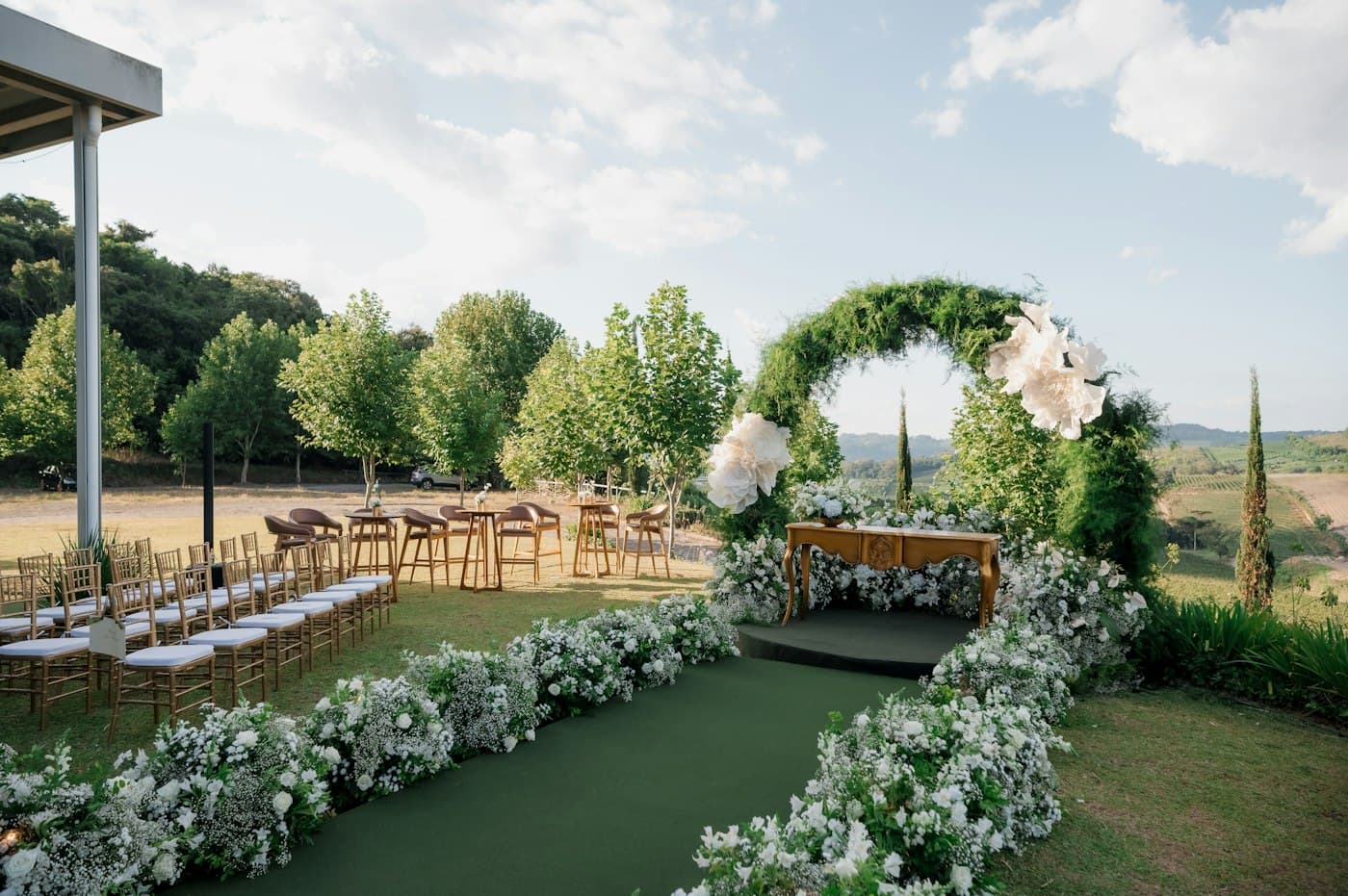
Wedding day and production
An hour-by-hour schedule built around your ceremony time, plus checklists for everything that has to be at the venue, the music, the photos and what to pack.
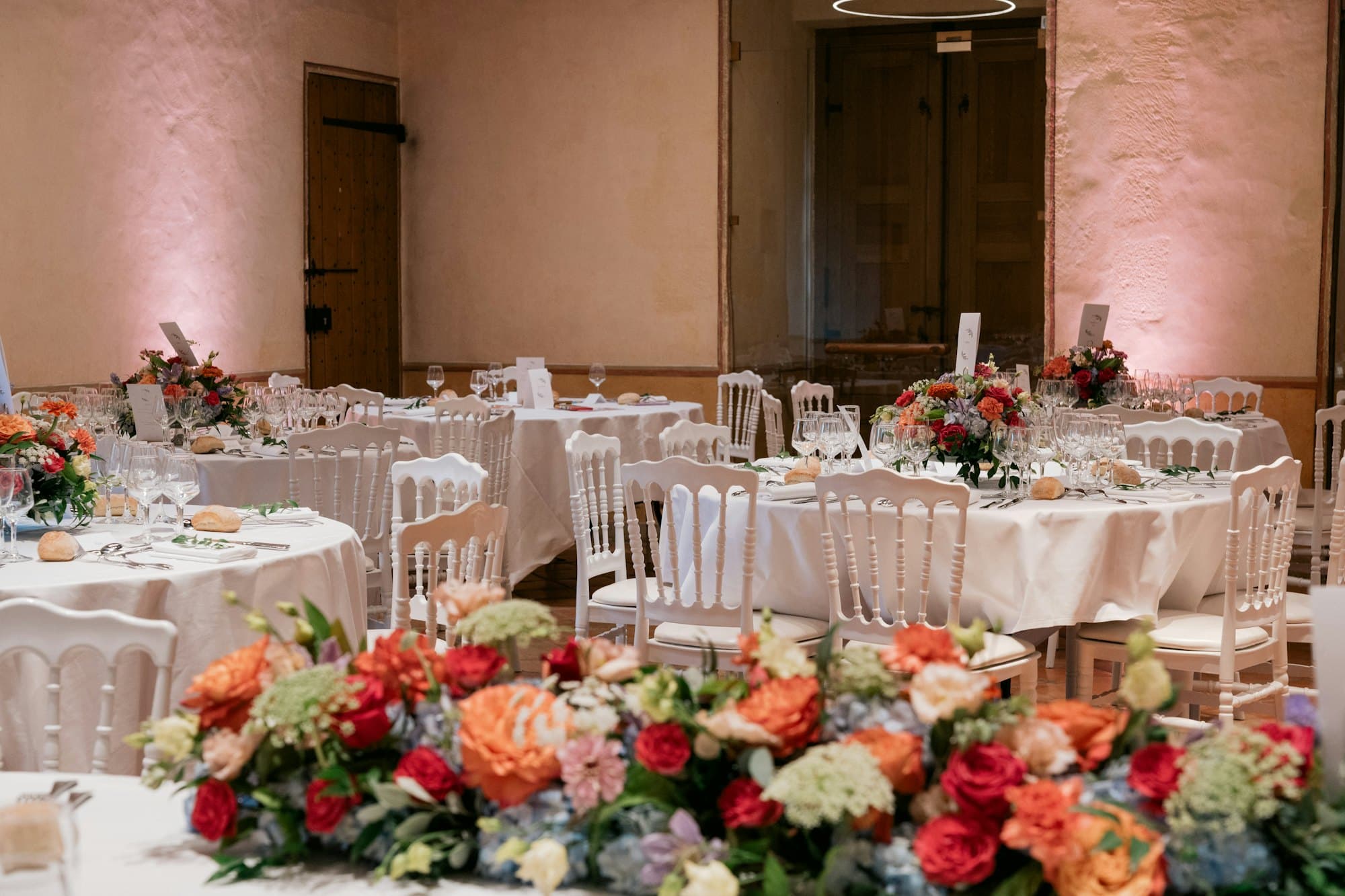
Wedding planning kit for US couples
Answer a few questions and get a timeline with your own due dates, your budget split by category, and an AI assistant that knows your numbers. No blank templates to fill in.
Regular price after launch: $35.00Launch price $19.90. One payment, no subscription.
Free preview
Three answers and you get your own timeline with dates and your budget split by category. No email, nothing saved.











Step 1
Your date, your total budget, your guest count, your city and the kind of wedding you want. It takes about two minutes.
Step 2
A timeline counted back from your wedding day and a budget divided by category, ready when you finish the questions.
Step 3
Tick off tasks, record what you spend, track guests and vendors, and ask the assistant when you are not sure what to do next.
Inside the plan
These are real screens from My Wedding Plan, filled in with our invented example couple. Everything works in the browser on your phone, tablet or computer. Nothing to install.
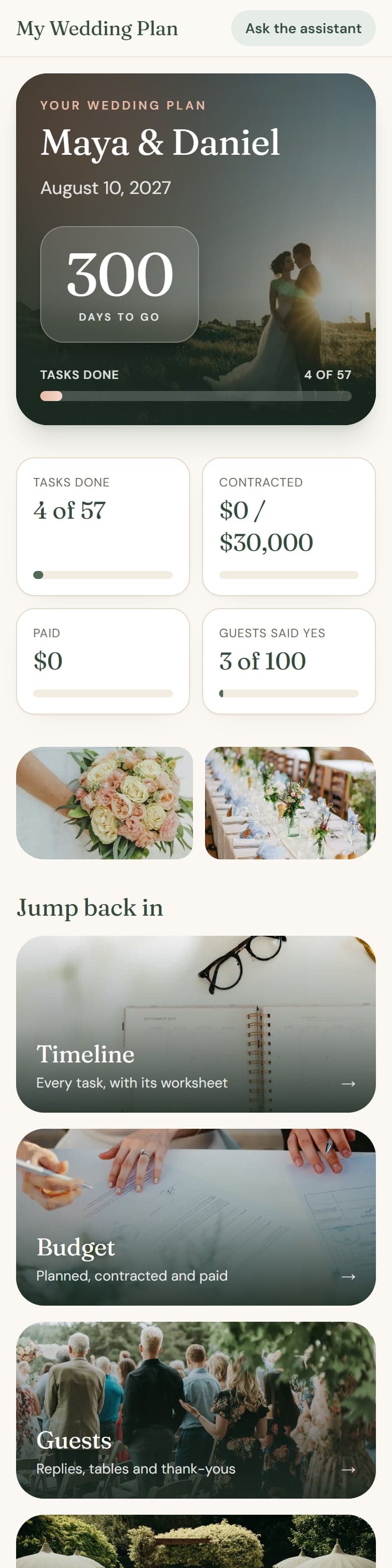
Days to go, what is done, what is next.

Every task with its own due date.

Planned, contracted and paid, by category.
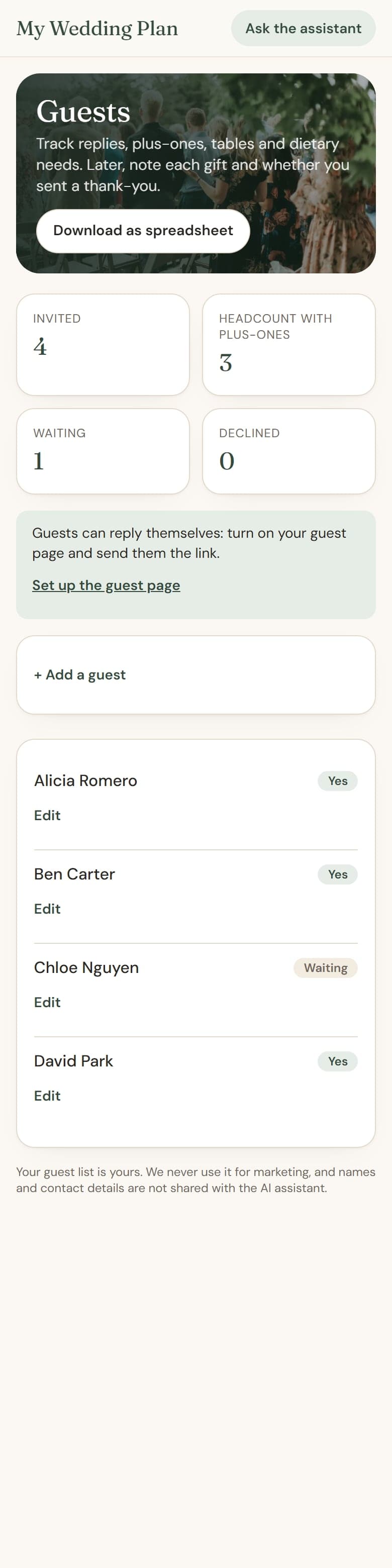
Replies, plus-ones, tables, thank-yous.
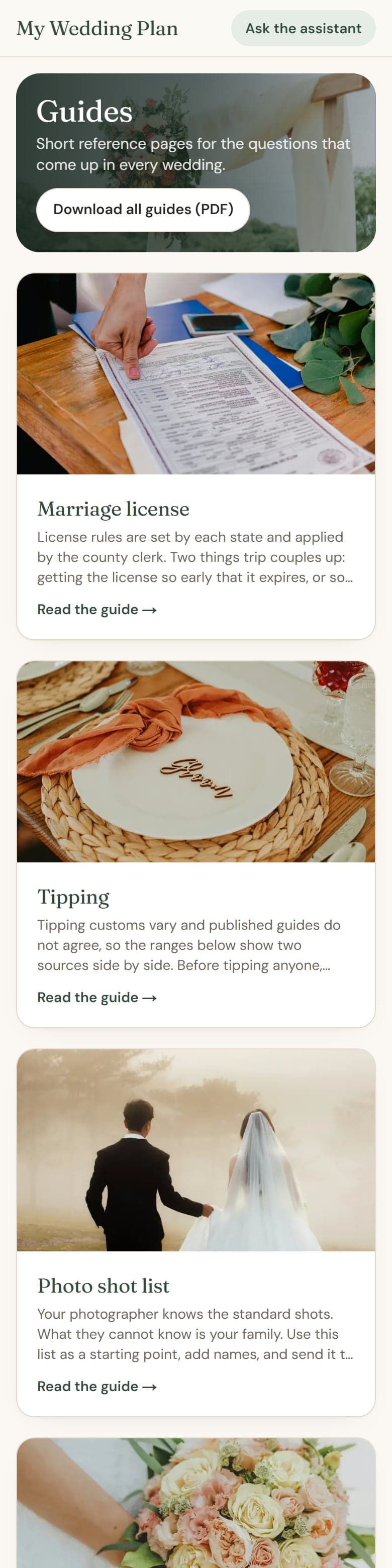
25 sourced guides, each with a PDF.
This is an example for an invented couple, made by the same rules that will build yours.
Maya & Daniel
August 14, 2027 · Austin, Texas · 100 guests · $30,000
plus 7 more categories
Everything is filled in from your answers and stays editable.
An hour-by-hour schedule built around your ceremony time, plus checklists for everything that has to be at the venue, the music, the photos and what to pack.

More than 50 tasks with due dates counted from your wedding day. Engagement shorter than a year? Late tasks are spread across your first weeks instead of showing up overdue.
Your total divided by category, with every quote, deposit and balance in one place.
RSVPs, plus-ones and dietary needs, a seating chart by table, your wedding party and a gift registry you can share by link.
Contacts, deposits and next payment dates, plus the questions to ask each vendor type before you book.
25 guides, from the marriage license to tipping, deposits and name change, and ready-to-send emails for vendors. An illustrated wedding binder, a day-of timeline and printable worksheets as PDFs.
Researched, not guessed
The budget split comes from survey data, the timeline from published checklists and the legal steps from official pages. Each source is linked next to the content it supports, and where two sources disagree you see both.
Sources cited inside include
My Wedding Plan is independent and is not affiliated with or endorsed by any of them.
See how we research, and every sourceSixteen pages that share the same data. Seat a guest and the binder updates. Add a vendor and the assistant knows.

Most budget tools only record what you already spent. Yours starts with a number for every category, based on what US couples reported spending on average in a 2026 survey of more than 10,000 weddings, with 5% set aside as a buffer.
The split is a starting point from survey averages, not a recommendation or a promise about what your wedding will cost.
Ask a question and the answer uses your date, your budget, your open tasks and your vendors. You do not have to explain your wedding every time.
Included until 30 days after your wedding date.

| Feature | Blank templates | Free wedding apps | My Wedding Plan |
|---|---|---|---|
| Starts filled in with your date and budget | No | Checklist by date | Yes |
| Budget already split by category | No | Varies | Yes |
| AI assistant that knows your plan | No | Rarely | Yes |
| Needs a spreadsheet or design app account | Usually | No | No |
| Printable binder and day-of timeline | Often | Varies | Yes |
| Vendor listings or ads | No | Usually | No |
| Price | One payment | Free | $19.90, one payment |
Based on the competitor pages we reviewed in October 2026. Free apps are a good option, and you can use one alongside this kit for a wedding website and online RSVPs, which this kit does not include (it does give you a shareable gift registry link).
Launch price
$19.90Regular price after launch: $35.00
One payment. No subscription and nothing to cancel.
$19.90 is our launch price. The regular price will be $35.00. We have not set an end date for the launch price.
Get my wedding planAfter payment you get a sign-in link by email. No password and nothing to install: it works in the browser on your phone or computer.
Not what you expected? Ask for a refund within 14 days of purchase. My Wedding Plan refund policy
Right after payment we email you a sign-in link. You answer the questions and your plan is ready. There is nothing to download or install.
Digital. You use it in your browser, and you can download a wedding binder and a day-of timeline as PDFs to print at home or at a print shop.
No. It runs in the browser and needs no other account. If you like spreadsheets, you can download your guest list and budget as CSV files that open in Excel, Google Sheets and Numbers.
Yes. It is built for phones first and works on tablets and computers too.
Yes. Every task, amount, category and schedule line can be edited, added or deleted. If your date changes, the due dates of your open tasks move with it.
Free apps are good, and many couples use one for a wedding website and RSVPs. This kit does something narrower: it starts from your budget and your date, gives you a number for each category, and adds an assistant that knows your plan. It has no vendor listings and no ads.
It answers planning questions using your wedding details, helps you compare quotes, and drafts emails and messages for you to send. It is an AI, so it can be wrong, it does not know live local prices, and it does not replace a contract, a lawyer or a wedding planner.
From published sources, which are listed inside the kit next to the content they support: a 2026 survey of more than 10,000 US couples for the budget split, and published planning checklists for the timeline. They are averages and general guidance, so adjust them to your wedding.
You can choose a month, or no date at all. Without a date you get the tasks in order; add the date later and the due dates appear.
Your plan is private to your account. We never use your guest list for marketing, and guest names and contact details are not sent to the AI provider. You can export everything or delete your account and all its data at any time.
No. It is one payment of $19.90. The planning tools stay available after the wedding; the AI assistant is included until 30 days after your wedding date.
Yes. Ask within 14 days of purchase and we will refund you. See the refund policy for how.
Free guides
Short, sourced answers to the questions couples ask most. Free to read, no email needed.

What surveys say about who pays for weddings today, how to ask family about money, and what federal consumer agencies say about credit cards, loans, pay-later plans, savings and gift tax before you borrow or accept a large gift.
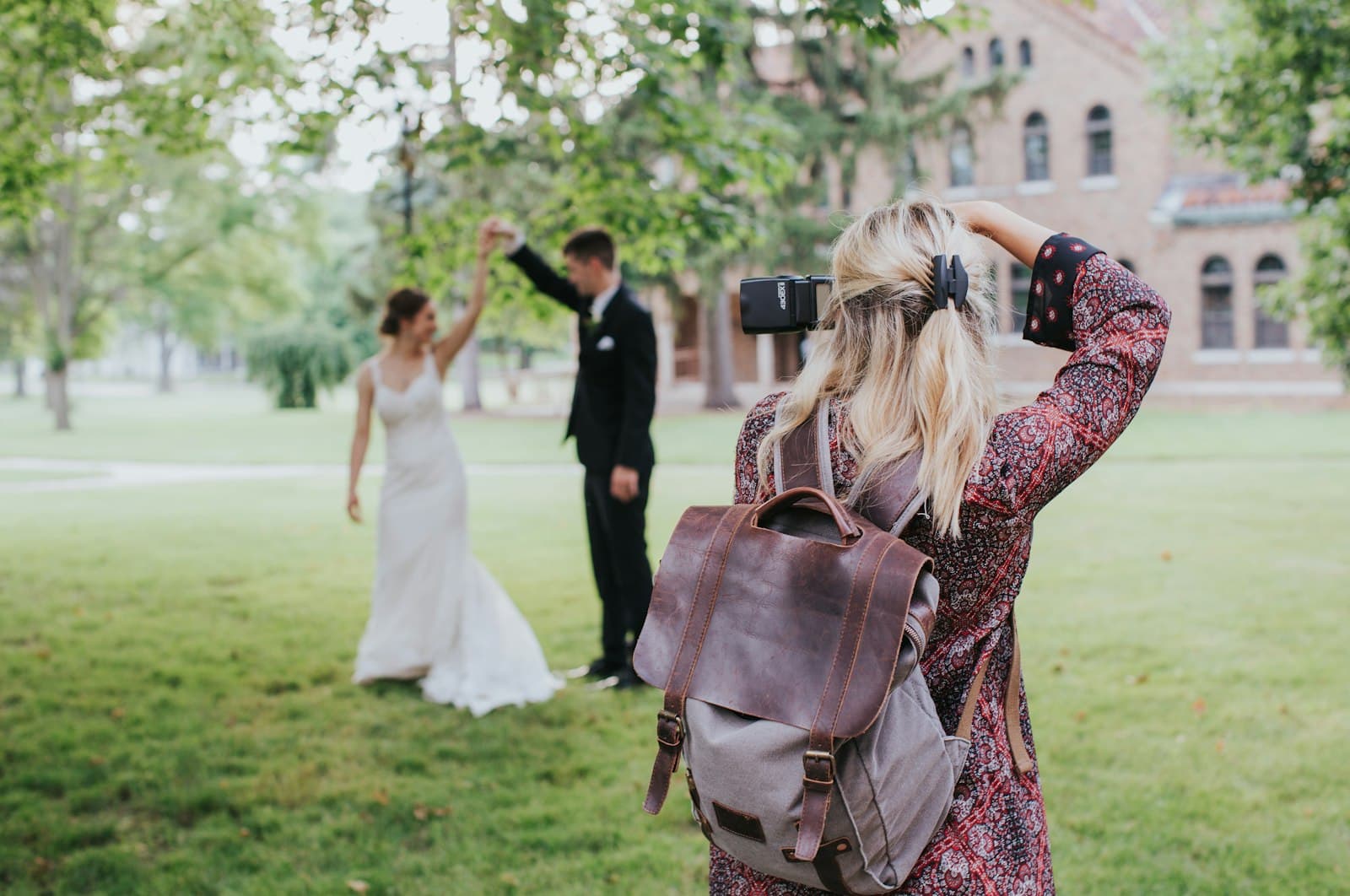
What the US Copyright Office says about who owns wedding photos, what a photography contract should give you in writing, how long delivery usually takes and how much time portraits need on the day.

How to plan an outdoor wedding around the weather: when to decide the rain plan, what the National Weather Service says about lightning and heat, tent and national park permits with real examples, and drone rules.

Two minutes of questions, and you will know what to do first.
Get my wedding planRegular price after launch: $35.00Launch price $19.90. One payment, no subscription.